★★★★★
Anthony Sledge
An agency workflow, right inside Cursor
Manage Google, Meta, Amazon, ChatGPT Ads, LinkedIn, and TikTok campaigns from either app. Create your free Adspirer account to finish connecting.
Free — 15 tool calls / mo, no credit card
Trusted by marketers at
Enterprises






Agencies





Small businesses






Hear their experiences. Pick a video.
An agency workflow, right inside Cursor
Finding her way through Meta ads
More time for a growing business
A closer look across multiple ad accounts
Making more of a nonprofit’s Google Ad Grant
Less account switching. Faster campaign checks.
Meet the team behind the campaigns
Testimonials collected with a discount offer. Individual experiences vary.
One Adspirer connection gives Cursor and Grok Bot 405 tools across the supported ad platforms. Link any or all of them when you sign in, then switch between accounts right in the chat.
Google Search, Performance Max, Display, YouTube, Shopping.
156 Adspirer toolsManage Facebook, Instagram, Messenger, and Audience Network campaigns.
60 Adspirer toolsSponsored Products, Sponsored Brands, and Sponsored Display — created by ASIN and tracked on ACOS & ROAS.
61 Adspirer toolsSponsored Content, Lead Gen Forms, Conversation & Message Ads.
55 Adspirer toolsSpark Ads, Video Ads, Catalog Ads, Lead Gen.
37 Adspirer toolsCreate and manage chat-card ads inside ChatGPT responses, with conversion tracking and campaigns created paused.
36 Adspirer toolsAlready added Adspirer in Cursor and Grok Bot?
You just need an Adspirer account to finish connecting — the setup steps below are there if you still need them.
Requires Cursor with plugin access, or Grok Bot through a paid Cursor plan or eligible SuperGrok account. Follow the steps in order.
In Cursor, open Customize, search for Adspirer, and select Install at User or Project scope. In Grok Bot, open Plugins from the sidebar, search for Adspirer, and choose Add. Install in each app you want to use; installing in one does not install it in the other.
View Adspirer in the marketplaceThe first tool call in Cursor opens Adspirer sign-in. In Grok Bot, choose Authorize; use Reopen if it says Waiting for authorization. Sign in or create a free Adspirer account, then connect your ad platforms. Both apps use the same plugin, so seeing Cursor during Grok Bot setup is expected.
In Cursor, open your brand folder, switch to Agent mode, and ask to set up your brand workspace. In Grok Bot, confirm Adspirer appears under Installed and open your paid-media bot. Start with a read-only account check, then review any proposed campaign changes before approving them.
Verify the connection
Start a conversation in Cursor or Grok Bot and ask:
Which ad accounts am I connected to?You should see your connected ad accounts and their status. If none appear, check that Adspirer is enabled, finish sign-in, and connect an ad account.
Final step
Use your Adspirer account to finish connecting Cursor or Grok Bot and link the ad accounts you want to manage. No credit card required.
Create my accountAdspirer also works in
Their video stories, in a few words.
 Anthony Sledge★★★★★Watch ↗
Anthony explains how he reviews client campaigns and works on ads from Cursor, with less switching between Meta and Google dashboards.
Automatic transcript in the original language. May contain transcription errors.
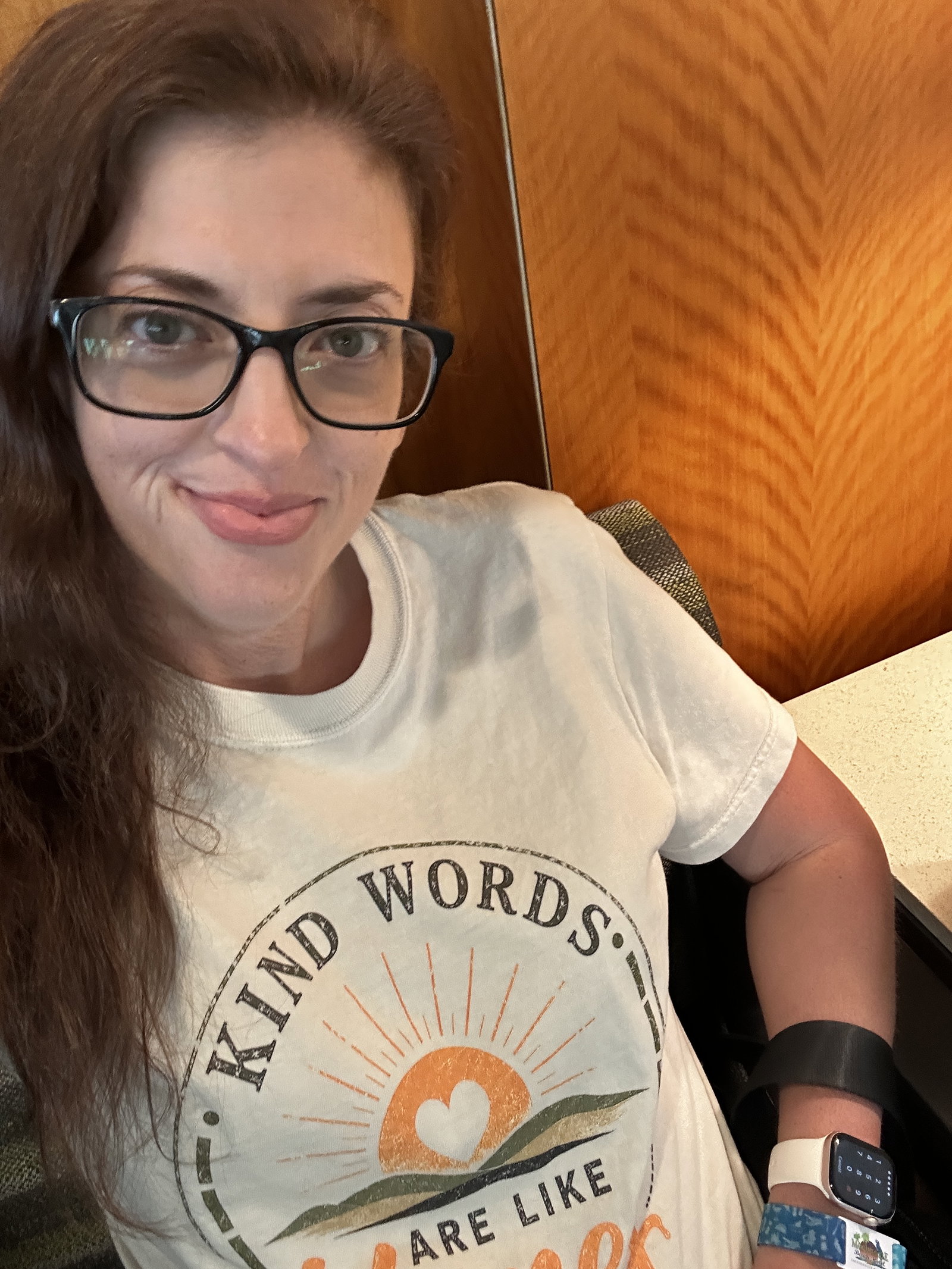 Amanda Clark★★★★★Watch ↗
Amanda shares how connecting Adspirer to Claude and ChatGPT helped her understand her Meta campaigns and see what was working after struggling with setup.
Automatic transcript in the original language. May contain transcription errors.
 Christian Krüger★★★★★Watch ↗
Christian describes using Adspirer through ChatGPT to work with his connected ad accounts while juggling several early-stage businesses.
Automatic transcript in the original language. May contain transcription errors.
 Edward Duaman★★★★★Watch ↗
Edward describes connecting Claude to Adspirer to investigate campaign performance and navigate the accounts he manages for different brands.
Automatic transcript in the original language. May contain transcription errors.
 matias laurenz★★★★★Watch ↗
Matias shares how his nonprofit uses Adspirer with Claude to automate campaign work and expand its keyword coverage.
Automatic transcript in the original language. May contain transcription errors.
Victor describes reviewing results across his clients from his AI assistant, making optimizations, and responding more quickly when an account needs attention.
Automatic transcript in the original language. May contain transcription errors.
 Everton de Sordi★★★★★Watch ↗
Everton introduces his agency’s experience in paid media and the team managing advertising for clients across different industries.
Automatic transcript in the original language. May contain transcription errors.
Summaries adapted from the videos. Portuguese recordings summarized in English. Testimonials collected with a discount offer.
Start free, then see if you outgrow it.
15 tool calls a month, no credit card. Pricing below.
Start free. Upgrade if you outgrow it.
$0
15 tool calls / mo
All platforms. Start with 15 free tool calls. No credit card.
$49 / mo
150 tool calls / mo
Performance analysis + standard campaigns.
$99 / mo
600 tool calls / mo
AI optimization, bulk ops, deeper diagnostics.
$199 / mo
3,000 tool calls / mo
Priority support (24h SLA), custom integrations.
Free tier — 15 tool calls per month, no credit card. Create your Adspirer account to start running ad tools through Cursor and Grok Bot.
Start free