What is MCP? A Marketer's Guide to Model Context Protocol
Adspirer Team

MCP (Model Context Protocol) is an open standard that lets AI assistants like ChatGPT and Claude connect directly to your ad accounts, CRMs, and business tools. Instead of generic advice, your AI sees your real data, gives specific recommendations, and can take action — all through plain English conversation.
Ever been in a meeting where someone throws around “MCP” like everyone should know what it means? Yeah, me too. I sat through three of those before I finally figured out why I should care.
Here’s the thing: if you run ads — Google Ads, Meta, TikTok, whatever — MCP is probably the most important acronym you’ll learn this year. Not because it’s some fancy new AI thing (okay, it is), but because it completely changes how you interact with your ad accounts.
Let me break it down without the tech jargon.
What Is MCP (Model Context Protocol)?
MCP stands for Model Context Protocol. Anthropic (the company behind Claude) created it as an open standard. In plain terms, it’s the thing that lets AI assistants like ChatGPT and Claude actually connect to your tools — your Google Ads account, your Meta Ads, your analytics, your CRM.
Before MCP existed, asking ChatGPT about your Google Ads was like asking a friend who’s never seen your account. They’d give you generic advice based on what they’ve read. “Try improving your Quality Score!” Great, thanks.
With MCP, it’s like giving that friend the keys to your dashboard. They can see your actual numbers, your actual campaigns, and give you advice based on what’s really happening.
The USB-C Analogy (Bear With Me)
Remember when every phone had a different charger? You’d open a drawer and find six cables, none of which fit your current phone.
USB-C fixed that. One cable, everything works.
MCP is USB-C for AI. Before MCP, every AI platform needed its own custom integration for every tool. ChatGPT had plugins. Claude had something else. Nothing was compatible. Developers had to build the same thing three different ways.
Now? Build one MCP server, and it works with ChatGPT, Claude, Cursor, and whatever comes next. One standard. Everything connects.
| Before MCP | After MCP |
|---|---|
| Every AI needs its own custom integration | One standard works across all AI platforms |
| Developers build for ChatGPT OR Claude separately | Build once, works everywhere |
| Connections break when platforms update | Stable protocol with backward compatibility |
| Limited to what each AI company supports | Open standard anyone can build on |
Why Should a Marketer Care About MCP?
Look, I get it. You didn’t get into marketing to learn about protocols. You got into it because you’re good at understanding audiences, writing copy that converts, and making numbers go up.
But here’s why MCP matters to you specifically:
You Stop Being a Professional Button-Clicker
I used to spend my mornings like this: Log into Google Ads. Wait for it to load. Click Campaigns. Wait. Click a campaign. Wait. Export to CSV. Open Meta Ads Manager. Repeat the whole thing. Paste both CSVs into a spreadsheet. Try to compare them.
By the time I actually had the data I needed, 45 minutes were gone. And I hadn’t even done anything yet.
With MCP, I open Claude and type: “Compare my Google Ads and Meta Ads performance this week. Where am I getting better ROAS?”
Five seconds later, I have my answer. With actual numbers from both platforms. In one place.
Your AI Goes From Generic to Specific
Without MCP, here’s what ChatGPT says when you ask for help:
“To improve your Google Ads performance, consider optimizing your Quality Score by improving ad relevance, landing page experience, and expected CTR.”
Thanks, Captain Obvious.
With MCP (through a tool like Adspirer), here’s what you get:
“Your ‘emergency plumber’ keywords have Quality Scores of 4/10. The issue is landing page relevance — your ads point to your homepage instead of your emergency services page. Fixing this could drop your CPC from $18 to around $12 based on similar accounts I’ve analyzed.”
That’s the difference. Generic advice vs. specific, actionable recommendations based on your actual data.
You Can Actually Do Things, Not Just Read About Them
Pre-MCP, AI could only advise. “You should pause that campaign.” Cool, let me go click 47 buttons to do that.
Post-MCP, AI can act. “Pause my worst-performing campaign.” Done. It’s paused.
- “Create a search campaign for Austin plumbers, $50/day budget” → Campaign goes live
- “Add ‘free’ as a negative keyword across all campaigns” → Done in seconds
- “Move 20% of my brand campaign budget to the non-brand campaign with the best ROAS” → Executed
This is the shift from AI-as-advisor to AI-as-operator. And honestly? It’s about time.
How MCP Actually Works (The Non-Technical Version)
Here’s what happens when you ask Claude “What’s my Google Ads spend this week?” with MCP connected:
You type your question
Just regular English. Nothing special.
Claude finds the right tool
Claude recognizes this needs Google Ads data. It looks at the MCP servers you’ve connected (like Adspirer) and finds the right one.
Secure API connection
The MCP server securely connects to the Google Ads API using the login you authorized. Your password is never shared with the AI company.
Data retrieval
The server pulls your spend data, formats it, and sends it back to Claude.
Analysis and response
Claude analyzes the data and gives you a plain-English response with context, trends, and recommendations.
Total time: 3-5 seconds. Compare that to logging into Google Ads, finding the date range picker, switching to the comparison view, and doing the math in your head.
Before MCP vs. After MCP: Real Marketing Examples
Morning Performance Check
Keyword Research
Campaign Launch
MCP vs. Other Ways AI Connects to Tools
You might be wondering: didn’t we already have ways to connect AI to stuff? Kind of. But they all had problems.
Who’s Using MCP Right Now?
AI Platforms With MCP Support
- Claude — Native MCP support (Anthropic created it)
- ChatGPT — Supports MCP through Apps/Connectors
- Cursor — MCP for development workflows
- Windsurf — MCP integration
MCP Servers for Marketers
Adspirer
Google Ads MCP (Official)
Google Ads only. Read-only. Requires Docker. Technical setup.
Zapier
8,000+ app connections through automation workflows.
For most marketers, Adspirer is the practical choice because it covers multiple ad platforms with zero technical setup.
How to Get Started With MCP (2-Minute Setup)
No API keys. No developer needed. No Docker containers. No command line. Just click, connect, and ask.
Where MCP Is Heading
MCP has matured fast — a year ago this section was all predictions, and several of them have since shipped. Here’s where things actually stand:
More platforms shipping MCP servers. Right now it’s mostly ad platforms and dev tools. Soon? Shopify, HubSpot, Mixpanel, your email platform. Imagine one conversation where you check ad performance, see how it ties to revenue in Shopify, and adjust your email sequence — all without switching tabs.
Autonomous monitoring — now shipped. This used to be the “tomorrow” item. It’s here: Adspirer’s server-side Watch Agent scans your accounts every 15 minutes and emails you a finding with a ready-to-run fix, and its autonomous Ad Ops agents propose changes to an approval queue on a schedule. You wake up to a summary instead of a crisis.
Multi-step chains — also here. MCP handled single requests well from the start; today an agent will chain complex operations: “Pull my Google Ads data, combine with Shopify revenue, calculate true ROAS including returns, and update my reporting spreadsheet.” One prompt, many tools, zero manual work.
Vertical-specific tools. Expect MCP servers built for specific industries. E-commerce, SaaS, local services — each with workflows tailored to how those businesses actually run ads.
FAQ
The Bottom Line
MCP is the standard that makes AI actually useful for day-to-day marketing work. Not “write me a blog post” useful — “pull my real data, analyze my actual campaigns, and take action on what you find” useful.
If you’re running paid ads in 2026 and still manually logging into three different dashboards every morning, you’re spending time on work that AI can do in seconds. Your competitors who’ve adopted MCP-connected tools are spending that time on strategy, creative testing, and scaling what works.
The setup takes 2 minutes. The time savings start immediately.
Connect your ad accounts to AI today. Adspirer is an MCP server that works with both ChatGPT and Claude. Google Ads, Meta Ads, Amazon Ads, ChatGPT Ads, LinkedIn Ads, and TikTok Ads — all managed through conversation.
Related Articles
More articles to read
Best AI Ad Management Platform 2026: Complete Buyer's Guide
7 AI ad management platforms compared honestly — including the new category of MCP-based tools that work inside Claude and ChatGPT. Who should use what, real pricing, and the trade-offs nobody else explains.
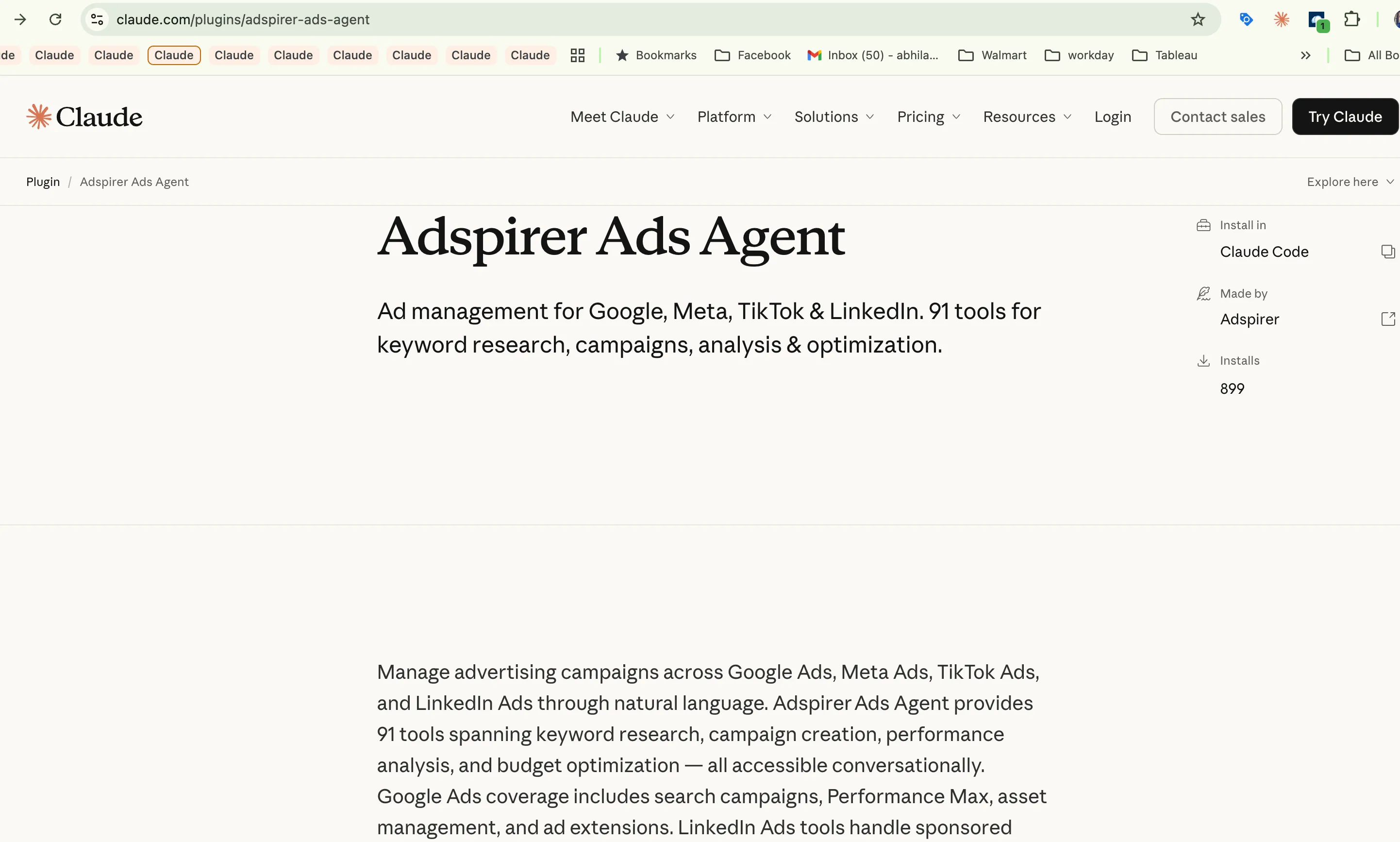
Adspirer Is Now an Official Claude Code Plugin
Adspirer is now available in the Claude Code official plugin marketplace. Install with one command and manage Google, Meta, LinkedIn, and TikTok Ads from Claude.

Claude Cowork for Marketers: Ads, Reports, Automation
Use Claude Cowork for Google Ads and marketing: connect live ad accounts, work from brand files, run analyses, build reports, and schedule reviews.
Meta Ads MCP Server: Official vs Cross-Platform (2026)
Compare Meta Ads MCP server options for Facebook and Instagram Ads: Meta's official hosted server and managed cross-platform connections for AI clients.