

Run Google Ads Directly from ChatGPT
Prerequisites
- A ChatGPT Plus, Pro, Business, or Enterprise account (plugins are not available on the free tier)
- An Adspirer account (free to start). You can also create one during the connect step
- At least one ad platform account: Google Ads, Meta Ads, Amazon Ads, ChatGPT Ads, LinkedIn Ads, or TikTok Ads
Setup
- Adspirer plugin (1 minute)
- Custom MCP app (latest tools)
Open Plugins and search for Adspirer
Click Install plugin
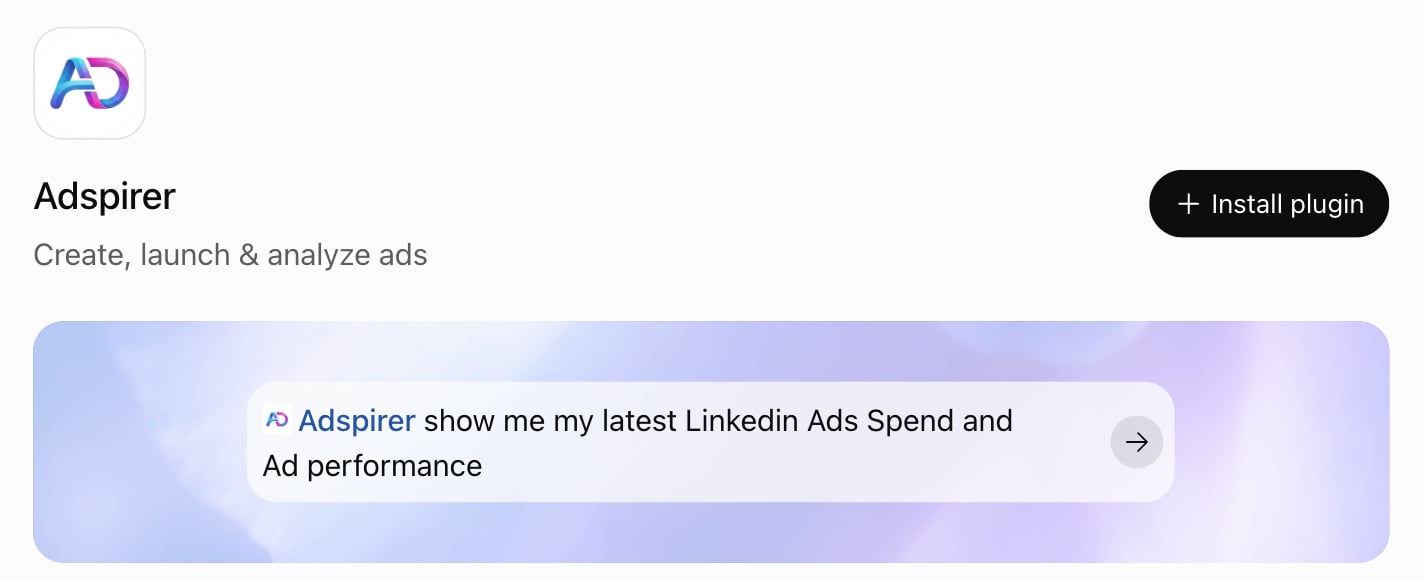
The Adspirer plugin in ChatGPT's Plugins directory
Sign in with Adspirer
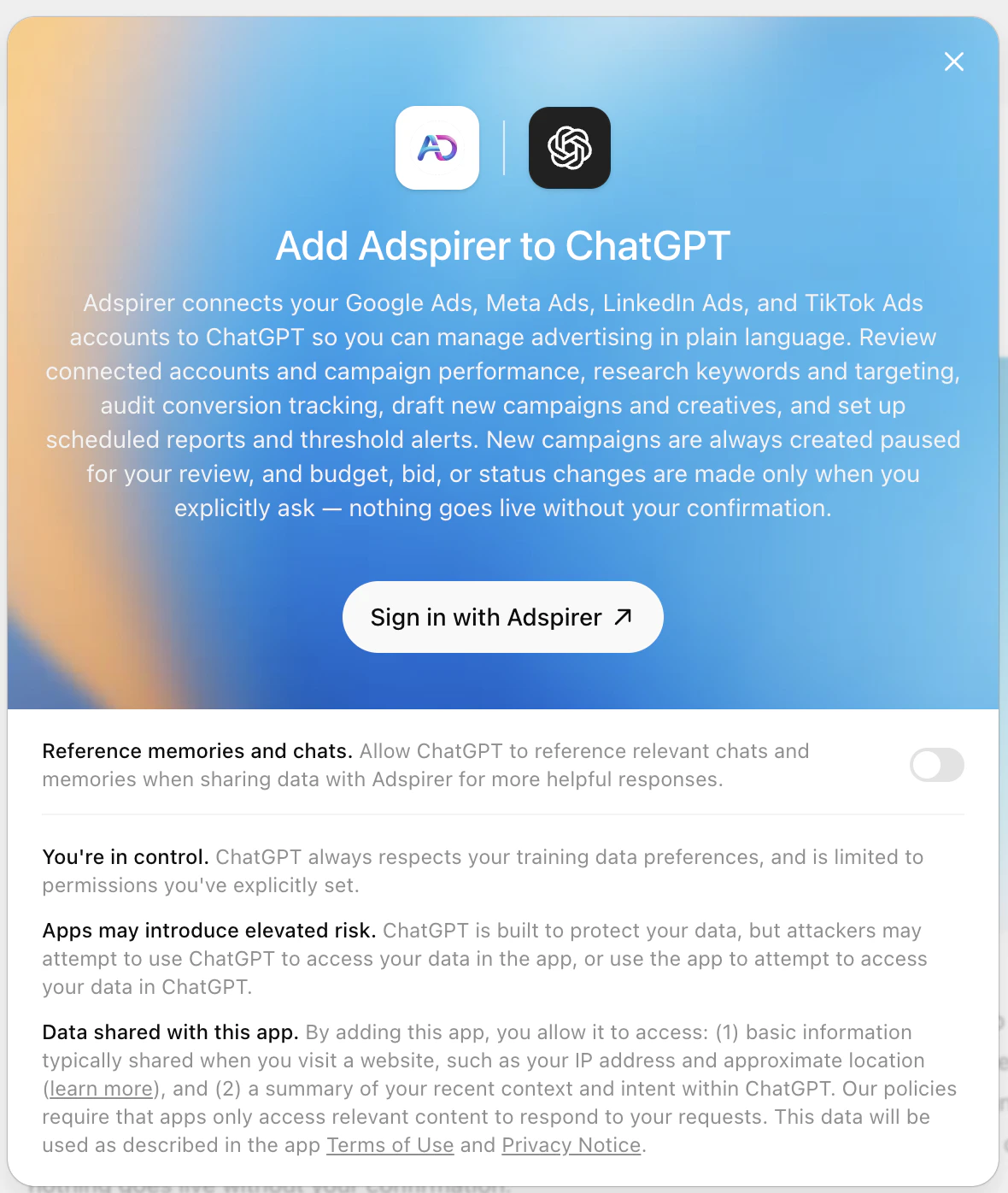
Start managing ads
Sign up for Adspirer — free to start
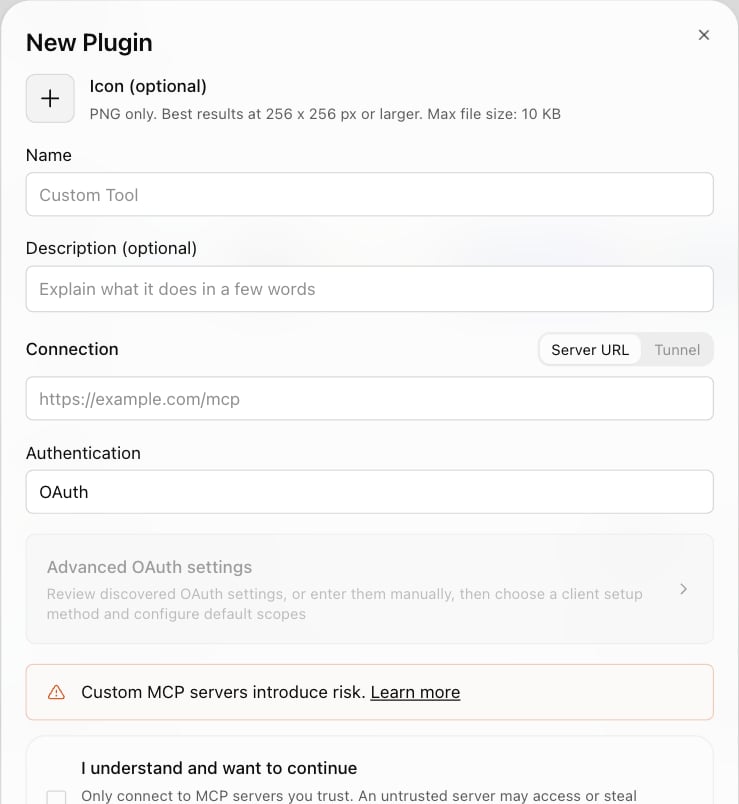
Connection Details
Both paths talk to the same server. The plugin fills these in for you. For a custom MCP app, you paste them yourself:What You Can Do
400+ tools across 6 ad platforms, plus the Google Analytics and Google Search Console integrations. Everything below is available through a custom MCP app. The plugin is missing Amazon Ads, ChatGPT Ads, Google Analytics, and Google Search Console until OpenAI publishes the next update.Example Prompts
Research Keywords
Keyword research with real CPC data from Google Keyword Planner.
Create a Campaign
Google Search campaign with keyword research and intent grouping.
Audit Performance
Wasted spend audit for zero-conversion keywords.
Amazon Ads Wasted Spend
ACOS-based wasted spend analysis — custom MCP app only.
Ads vs. On-Site Behavior
Correlate Google Ads spend with GA4 sessions and conversions — custom MCP app only.
FAQ
Which should I use — the plugin or a custom MCP app?
Which should I use — the plugin or a custom MCP app?
Can I have both installed at once?
Can I have both installed at once?
Why does ChatGPT warn that custom MCP servers introduce risk?
Why does ChatGPT warn that custom MCP servers introduce risk?
I installed the plugin and ChatGPT can't find any Amazon Ads, ChatGPT Ads, or Google Analytics tools.
I installed the plugin and ChatGPT can't find any Amazon Ads, ChatGPT Ads, or Google Analytics tools.
ChatGPT says a required tool isn't available and stops mid-task.
ChatGPT says a required tool isn't available and stops mid-task.
get_tool_schema before calling it — that’s what stops it inventing an argument. The plugin’s tool list is fixed at the version OpenAI last approved, and on some installs get_tool_schema isn’t in it, so ChatGPT would report a required tool as missing and stop.It now works around it on its own: the assistant is told to fetch the schema through a platform router instead, which returns the same thing. If an older chat still gets stuck, start a new one so ChatGPT picks up the current instructions. A custom MCP app never hits this — it always carries the current tool list.What are ChatGPT plugins? Are they the same as apps?
What are ChatGPT plugins? Are they the same as apps?
Which ChatGPT plans support plugins and custom MCP apps?
Which ChatGPT plans support plugins and custom MCP apps?
How is ChatGPT different from Claude for ads?
How is ChatGPT different from Claude for ads?
Can I use Adspirer with both ChatGPT and Claude?
Can I use Adspirer with both ChatGPT and Claude?
How much does this cost?
How much does this cost?
Tools aren't working or I see connection errors. What do I do?
Tools aren't working or I see connection errors. What do I do?
- Check tool permissions: In Settings → Plugins, set Adspirer (or your custom app) to Allow low-risk tools, so read tools run on their own and changes still ask first, or to Always ask. If you blocked tools by accident, reset the permission there.
- Reconnect:
- Plugin — Settings → Plugins, find Adspirer, disconnect it, then open the Adspirer plugin and install or connect it again.
- Custom MCP app — Settings → Plugins, remove the app you created, then Plugins → Add → Create MCP App again with
https://mcp.adspirer.com/mcpand sign in.
- Refresh your Adspirer session: Go to adspirer.ai, log out, log back in, then return to ChatGPT.
Related Documentation
- Amazon Ads Integration — Sponsored Products, Brands, and Display (custom MCP app until the plugin update ships)
- Google Analytics 4 Integration — Correlate ad spend with on-site behavior (custom MCP app until the plugin update ships)
- Claude Setup — the Anthropic-verified Adspirer connector, with progress streaming
- Perplexity Setup — Search-powered ad management via Perplexity Computer
- Claude Code Setup — Terminal-based setup for developers
- Google Ads Integration — Full Google Ads tool reference
- How to Connect ChatGPT to Google Ads — Step-by-step walkthrough with example prompts
- ChatGPT Apps vs Custom GPTs for Advertising — Which ChatGPT setup is right for managing ad campaigns
- Pricing & Plans
- Prompt Engineering Playbook — A custom skill and prompt book generated from your own ad account; paste its agent instructions into a ChatGPT Project ($39 one-time)