

Claude Cowork + Adspirer: 30 Days of Ads Analyzed in One Prompt
Prerequisites
- A Claude Pro, Max, Team, or Enterprise subscription (connectors are not available on the free tier)
- An Adspirer account (free to start). You can also create one during the connect step
- At least one ad platform account: Google Ads, Meta Ads, Amazon Ads, ChatGPT Ads, LinkedIn Ads, or TikTok Ads
Setup (2 Minutes)
There are two listings in Claude’s directory, and both connect to the same Adspirer account. The connector gives Claude the 400+ tools. The plugin installs that same verified connector and adds Adspirer’s 15 skills, 5 slash commands, and a performance marketing agent. You don’t need both.- Connector (verified)
- Plugin (connector + skills)
Search Claude's directory for Adspirer

Search Customize → Connectors → Discover for Adspirer
Click Connect to Claude
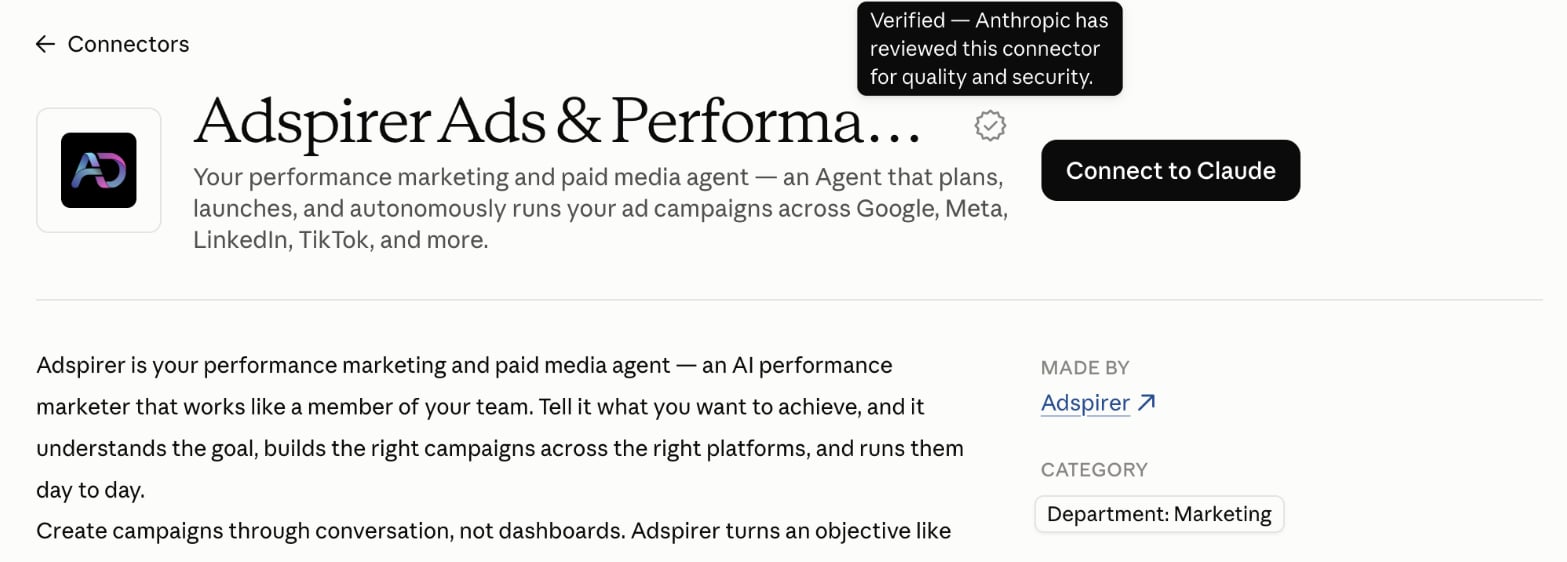
The Adspirer listing in Claude, with the verified badge and the Connect to Claude button
Sign in to Adspirer
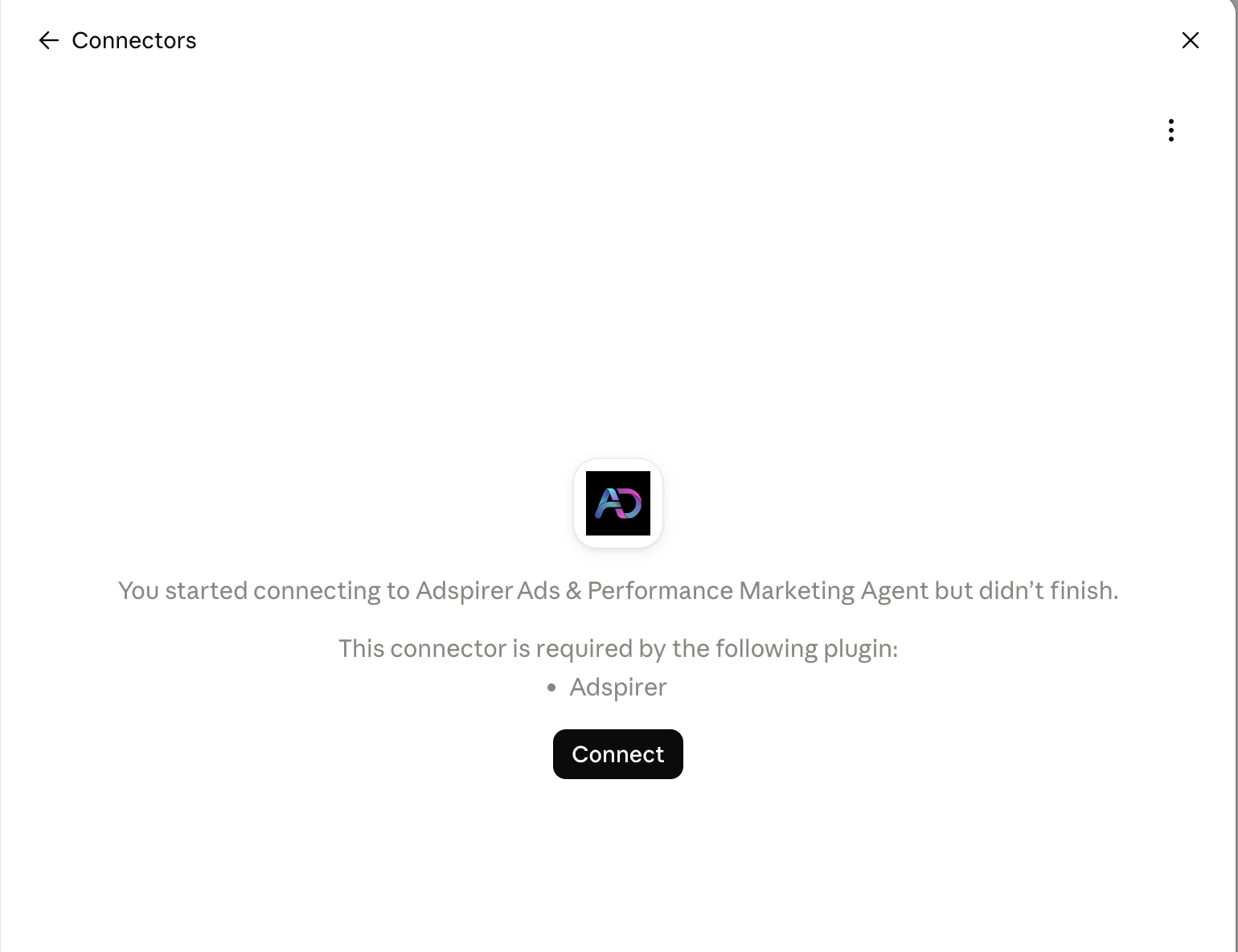
Resume the connection if sign-in was interrupted
Connect your ad accounts
Check the connection
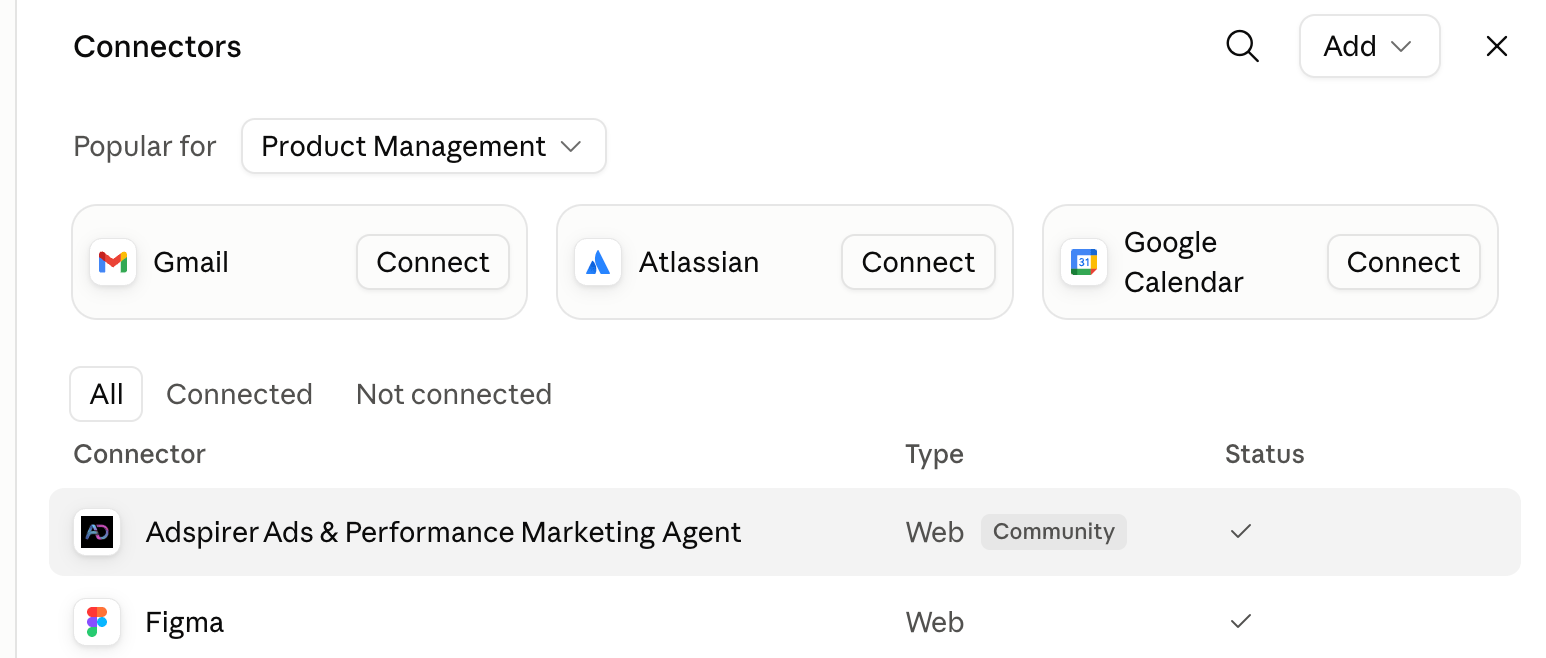
The checkmark confirms that Adspirer is connected

Start a New Chat
Start a new chat and ask:Confirms the connection without changing anything.
Sign up for Adspirer — free to start
Connector Details
Why Claude for Advertising
Claude offers unique advantages for ad management:- Progress Streaming — Real-time updates during long operations. See campaign creation progress as it happens (5–30 seconds).
- Natural Tool Invocation — Claude understands when to use Adspirer’s tools without special syntax. Just describe your goals.
- Native MCP — Anthropic created the Model Context Protocol. Claude has the deepest, most reliable integration.
- Team & Enterprise — Admins add the connector once for the entire org. Team members authenticate individually.
What You Can Do
400+ tools across 6 ad platforms:Example Prompts
Research Keywords
Keyword research with real CPC data from Google Keyword Planner.
Create a Campaign
Google Search campaign with keyword research and intent grouping.
Cross-Platform Audit
Multi-platform audit with prioritized action list and savings estimate.
Team & Enterprise Setup
For organizations using Claude Team or Enterprise: Owner setup: a workspace owner finds Adspirer Ads & Performance Marketing Agent in Claude’s directory (search “Adspirer”) and turns it on for the organization. Because it’s an Anthropic-verified directory listing, there’s no custom connector to approve and no server URL to allow-list. Member setup:- Go to Customize → Connectors
- Find Adspirer Ads & Performance Marketing Agent and click Connect
- Sign in to Adspirer and link your own ad accounts
FAQ
Do I need to add a custom connector or paste the MCP URL?
Do I need to add a custom connector or paste the MCP URL?
Is it a connector or a plugin?
Is it a connector or a plugin?
What are Claude connectors?
What are Claude connectors?
Which Claude plans support connectors?
Which Claude plans support connectors?
What makes Claude different from ChatGPT for ads?
What makes Claude different from ChatGPT for ads?
Can I also use Claude Code?
Can I also use Claude Code?
Can I use Adspirer with both Claude and ChatGPT?
Can I use Adspirer with both Claude and ChatGPT?
How much does this cost?
How much does this cost?
Tools aren't working or I see connection errors. What do I do?
Tools aren't working or I see connection errors. What do I do?
- Check tool permissions: When Claude prompts you to allow a tool, make sure read tools are set to Always allow and write tools to Custom (ask each time). If you accidentally blocked tools, go to Customize → Connectors, find Adspirer Ads & Performance Marketing Agent, and reset permissions.
- Reconnect the connector: Go to Customize → Connectors, disconnect Adspirer Ads & Performance Marketing Agent, then connect again and complete the OAuth flow.
- Refresh your Adspirer session: Go to adspirer.ai, log out, log back in, then return to Claude.
Related Documentation
- ChatGPT Setup — the Adspirer plugin for ChatGPT
- Perplexity Setup — Search-powered ad management via Perplexity Computer
- Claude Code Setup — Terminal-based setup for developers
- Google Ads Integration — Full Google Ads tool reference
- Agent Skills Overview — Teach Claude the right workflows
- Prompt Engineering Playbook — A custom skill, dossier, and prompt book generated from your own ad account ($39 one-time)
- How to Connect Claude to Google Ads — Step-by-step walkthrough with example prompts
- Pricing & Plans