

How to connect Claude Cowork with Adspirer
Prerequisites
- A Claude Max, Team, or Enterprise subscription (Cowork requires Max or above)
- An Adspirer account (free to start)
- At least one ad platform account: Google Ads, Meta Ads, Amazon Ads, ChatGPT Ads, LinkedIn Ads, or TikTok Ads
Setup (5 Minutes)
Search for Adspirer under Customize → Plugins and click Add. One install brings in Adspirer’s Anthropic-verified connector, 15 skills, 5 slash commands, and a Performance Marketing Agent.1. Open Cowork and Customize
Open Claude Cowork
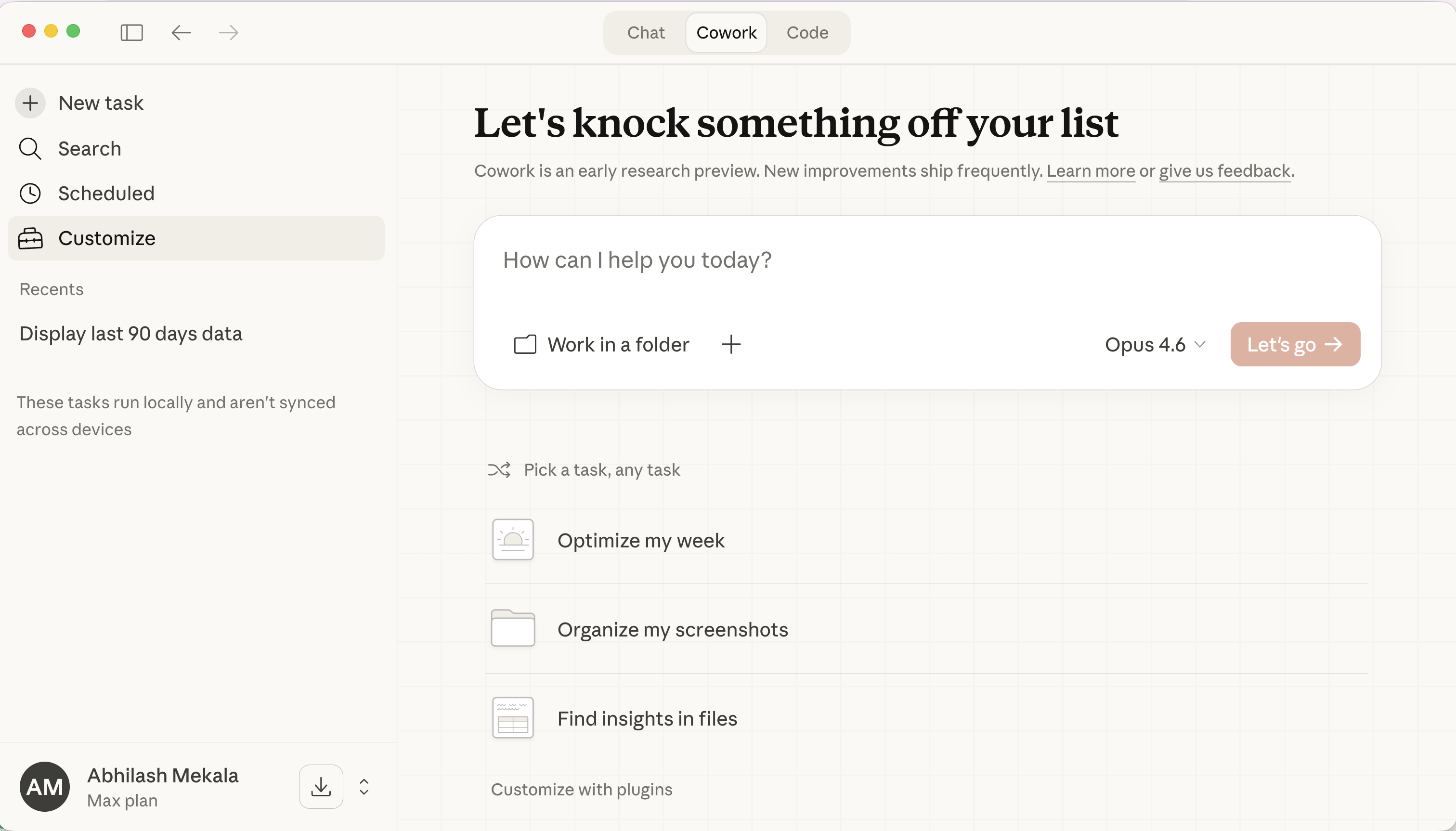
Select the Cowork tab in Claude
Go to Customize
2. Add the Adspirer plugin from Anthropic’s directory
The plugin comes from Anthropic’s directory and bundles the verified Adspirer Ads & Performance Marketing Agent connector with 15 skills, 5 slash commands, and a Performance Marketing Agent. You don’t add a custom connector or paste a URL.Search Plugins for Adspirer

The Adspirer plugin in Anthropic's directory: 15 skills, 5 commands, 1 connector, 1 agent
Click Add
- Commands:
/setup,/performance-review,/write-ad-copy,/wasted-spend,/refresh-brand-context - Skills: 15 skills that teach Claude Adspirer’s advertising workflows, per platform and per task
- Connector: Adspirer Ads & Performance Marketing Agent, the Anthropic-verified connector with 400+ tools
- Agent: a Performance Marketing Agent that runs ad work with your brand context
Connect Adspirer
Sign in to Adspirer
3. Open a brand folder and try it
Work in a Brand Folder
Try It Now
Sign up for Adspirer — free to start
Slash Commands
The plugin includes 5 slash commands that trigger proven workflows:What You Can Do
400+ tools across 6 ad platforms:Example Prompts
Research Keywords
Keyword research with real CPC data from Google Keyword Planner.
Create a Campaign
Google Search campaign with keyword research and intent grouping.
Cross-Platform Audit
Multi-platform audit with prioritized action list and savings estimate.
Why Claude Cowork for Advertising
- Brand-Aware — Cowork reads the brand folder you point it at. Voice guidelines, past campaigns, audience targeting docs — all of it informs ad copy and recommendations.
- Desktop App, Not Terminal — Cowork lives in the Claude desktop app and on claude.ai. No CLI, no terminal commands. If you want a CLI workflow, use Claude Code instead.
- Plugin Ecosystem — The Adspirer plugin ships the Anthropic-verified connector, 5 slash commands, 15 skills, and a Performance Marketing Agent that knows how to use all 400+ Adspirer tools in the right order with safety rules — all added in one click from Anthropic’s directory.
- Progress Streaming — Real-time updates during long operations. See campaign creation progress as it happens.
- Native MCP — Anthropic created the Model Context Protocol. Claude has the deepest, most reliable integration.
FAQ
What is Claude Cowork?
What is Claude Cowork?
Is Cowork the same thing as Claude Code?
Is Cowork the same thing as Claude Code?
- Claude Cowork is the workspace mode inside the Claude desktop app and claude.ai. You use it through a GUI. It’s the page you’re on right now.
- Claude Code is Anthropic’s terminal/CLI developer tool. You run
claudein a shell, it works inside your codebase, and it’s optimized for software-engineering workflows. It also has a desktop / IDE-side surface.
claude in your terminal to get here, you want the Claude Code setup page, not this one.How is Cowork different from Claude Chat?
How is Cowork different from Claude Chat?
Which Claude plans support Cowork?
Which Claude plans support Cowork?
What does the Adspirer plugin include?
What does the Adspirer plugin include?
Claude says "No OAuth flow is in progress"
Claude says "No OAuth flow is in progress"
Can I use both Cowork and Claude Chat?
Can I use both Cowork and Claude Chat?
How much does this cost?
How much does this cost?
Related Documentation
- Claude Chat Setup — for plain Claude chat connectors (no folder, no plugins)
- Claude Code Setup — Anthropic’s separate terminal/CLI developer tool — use this if you want a command-line workflow, not the desktop app
- Agent Skills Overview — Teach Claude the right workflows
- Google Ads Integration — Full Google Ads tool reference
- Pricing & Plans
- Prompt Engineering Playbook — A custom skill and prompt book generated from your own ad account; upload it as a skill in Customize ($39 one-time)