

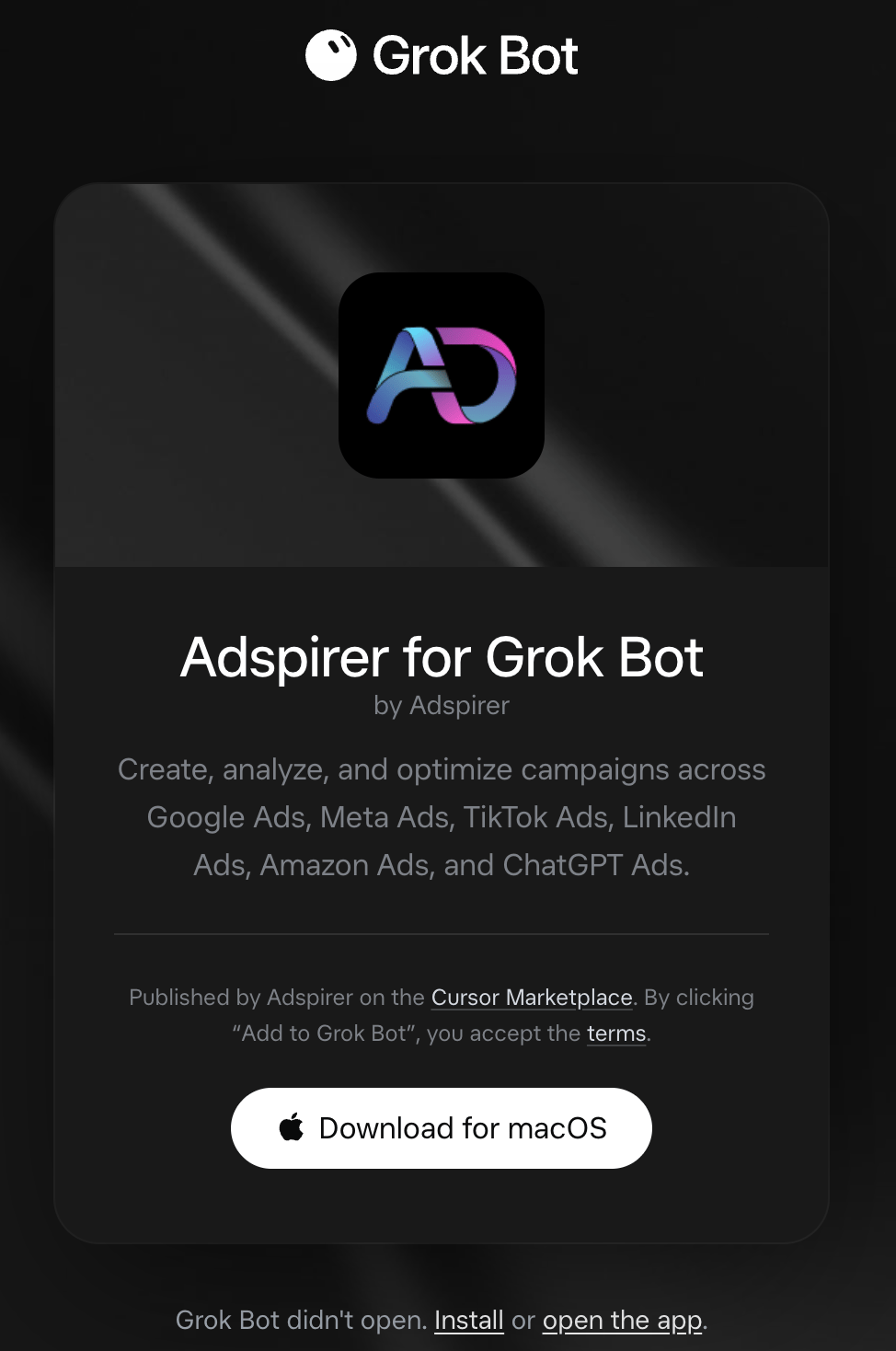
The official Adspirer for Grok Bot listing on x.ai
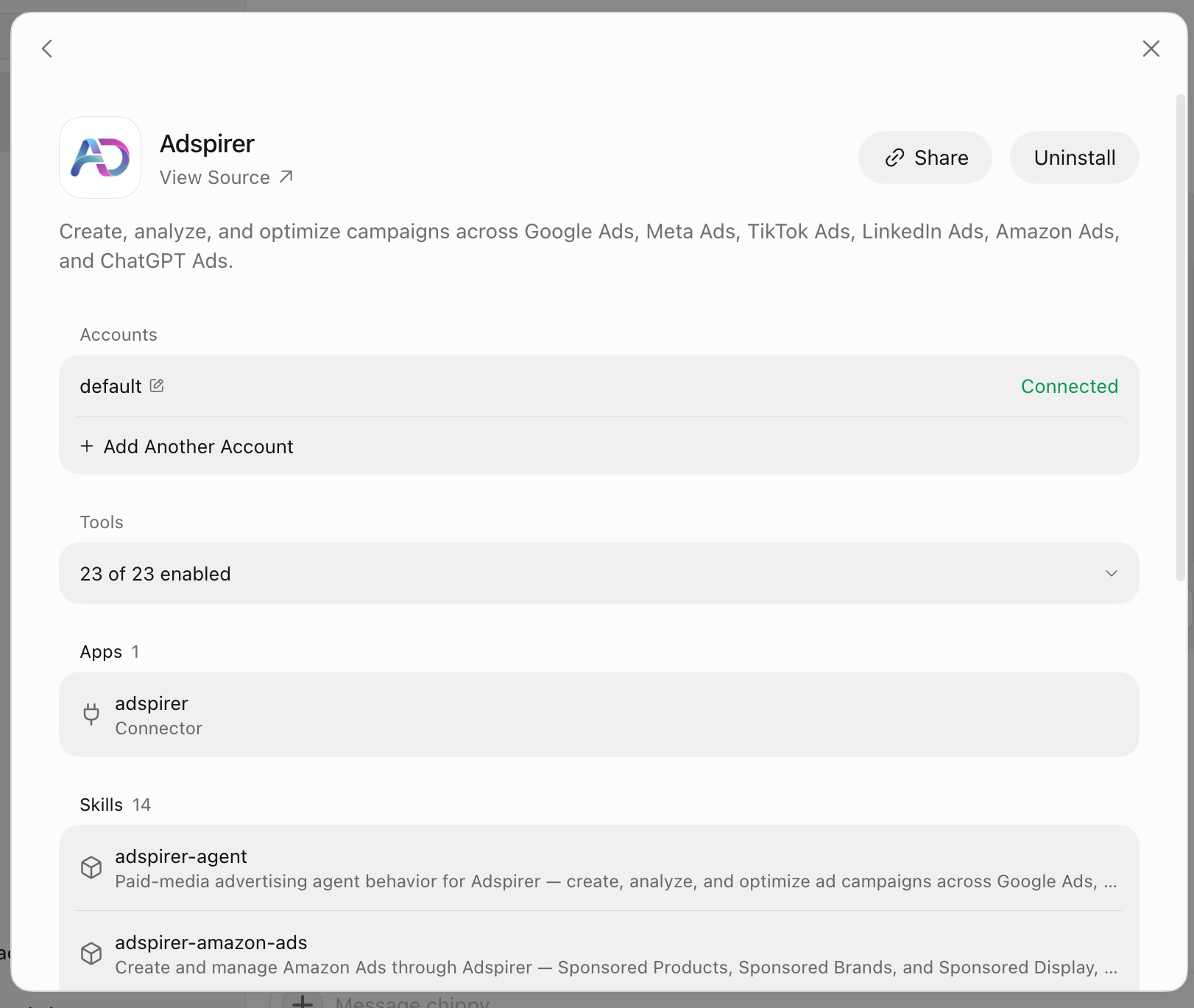
Adspirer installed in Grok Bot — the connected account, the tools the bot can call, and all 14 skills
Setup
Create a bot for paid media
Open the Marketplace
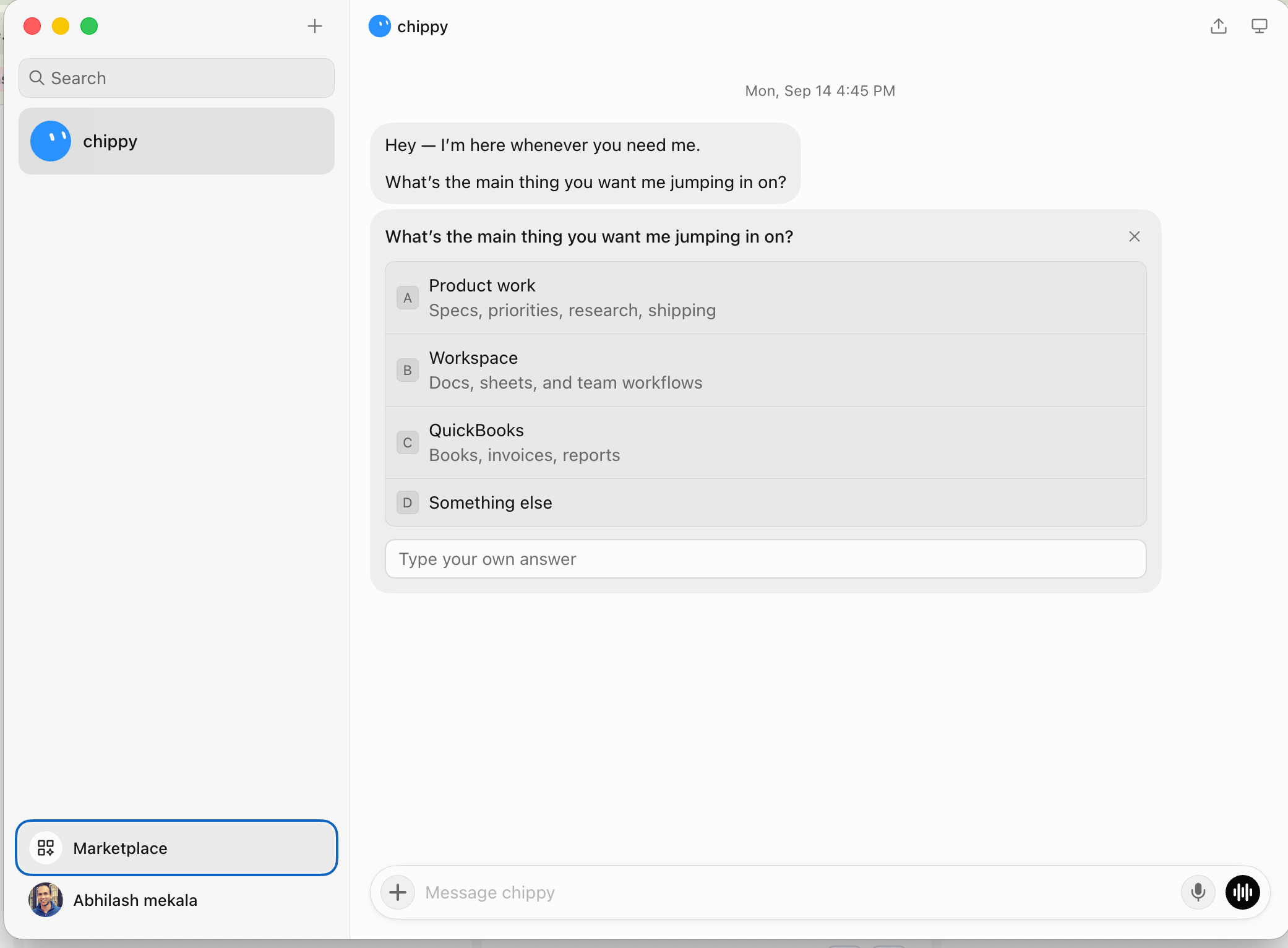
Marketplace sits at the bottom of the Grok Bot sidebar, under your bots
Add Adspirer
Authorize
Connect your ad accounts
Ask it something read-only first
Safe first task — confirms the connection without changing anything.
What You’ll See After Installing
Open Adspirer from the Marketplace once it’s installed and you get the whole surface on one screen — the shot at the top of this page. Four sections:What Your Bot Can Do
400+ tools across 6 ad platforms:Example Prompts
Monday Morning Scorecard
Cross-platform performance review with the three things to fix.
Find Wasted Spend
Cross-platform waste audit with a savings estimate.
Rewrite Underperforming Ad Copy
New headlines grounded in real search terms.
Audit Before You Launch
Conversion tracking check before spending on a new campaign.
Plan a New Channel
Budget split across channels for a defined goal.
Scheduled Reports With Routines
A routine tells one bot when to run a workflow — and it runs in the cloud, so your laptop can be closed. This is the reason to put ad reporting in Grok Bot rather than only in your editor.Open the routine panel
Write the instruction
Set when it runs
Turn Active on
Safety
- Campaigns are created paused. Nothing spends until you enable it.
- Read each approval card. Grok Bot shows one before a tool takes action. Use Allow once while you learn how the bot handles a workflow, and Deny when the proposed action isn’t what you asked for.
- Spend-affecting writes stop for confirmation — campaign creation, budget changes, bid changes.
- Campaigns are never deleted automatically.
- Never paste credentials into chat. Adspirer uses OAuth, so it never asks for one. Your ad platform credentials stay server-side with Adspirer and are scoped to the accounts you connect.
Grok Bot vs. Cursor
Same plugin, same marketplace listing, two different products. Installing in one does not install in the other..mdc rules — those are Cursor plugin components. In Grok Bot the bot’s description does that job, which is why the setup step above is worth filling in properly rather than leaving generic.Troubleshooting
FAQ
Do I need to add Adspirer as a custom connector or MCP server?
Do I need to add Adspirer as a custom connector or MCP server?
https://mcp.adspirer.com/mcp by URL before the listing existed, remove it so your bot doesn’t see two copies of every tool.Do I need Cursor installed to use Adspirer in Grok Bot?
Do I need Cursor installed to use Adspirer in Grok Bot?
If I installed Adspirer in Cursor, is it already in Grok Bot?
If I installed Adspirer in Cursor, is it already in Grok Bot?
Can one bot manage several brands?
Can one bot manage several brands?
Can the bot spend money without asking?
Can the bot spend money without asking?
How much does Adspirer cost?
How much does Adspirer cost?
Related Documentation
- Cursor Setup — the same plugin in the editor
- Cursor Agent — what’s in the plugin and how the pieces fit
- Scheduled Tasks — recurring reports and monitoring
- Google Ads Integration Guide
- Pricing & Plans
- All Documentation