

Manage Google Ads from Perplexity Computer with Adspirer MCP
Prerequisites
- A Perplexity Pro, Max, or Enterprise subscription (connectors are not available on the free tier)
- An Adspirer account (free to start)
- At least one ad platform account: Google Ads, Meta Ads, Amazon Ads, ChatGPT Ads, LinkedIn Ads, or TikTok Ads
Setup (2 Minutes)
Open Perplexity Computer
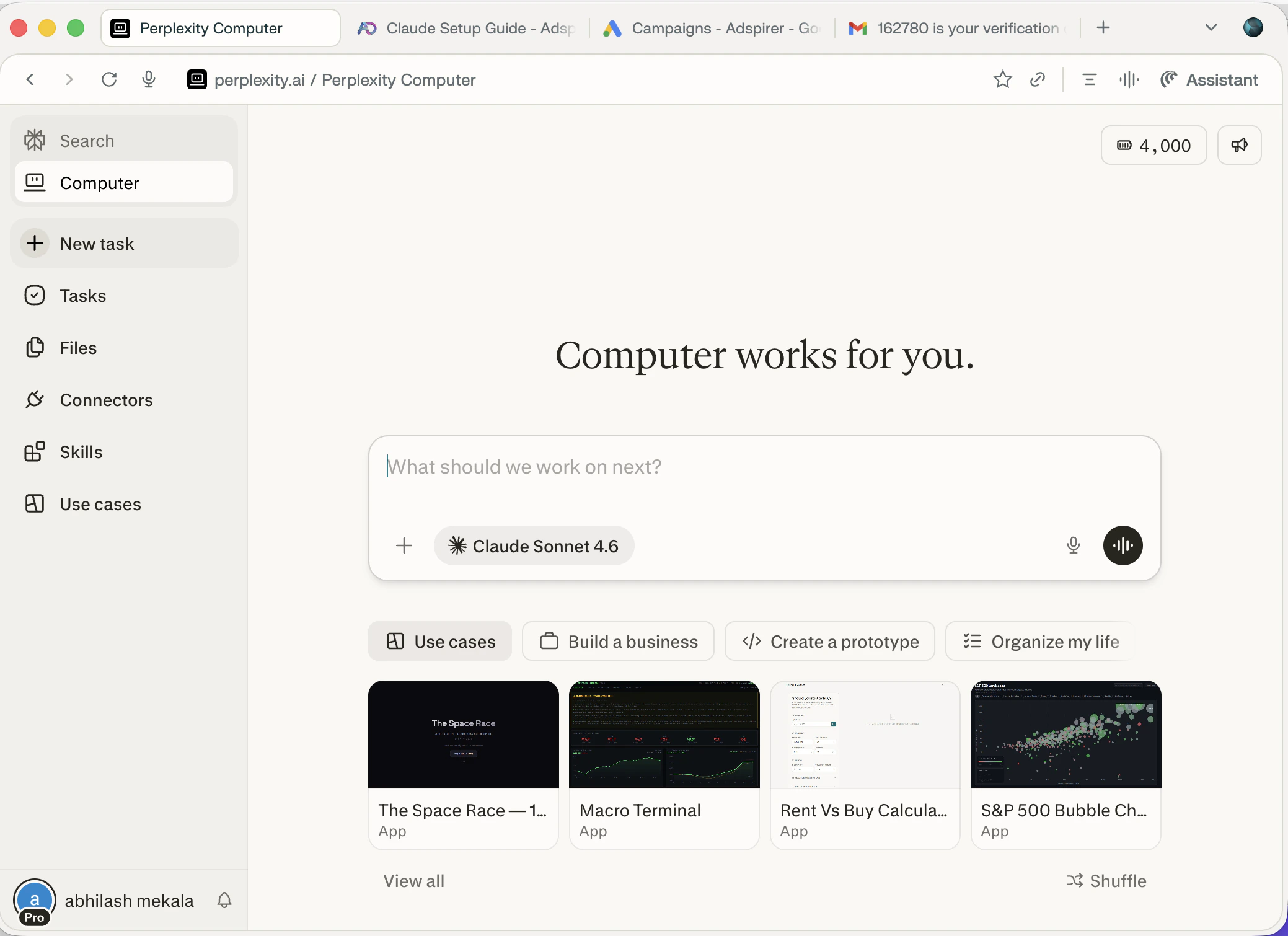
Perplexity Computer — your autonomous AI agent
Open Connectors
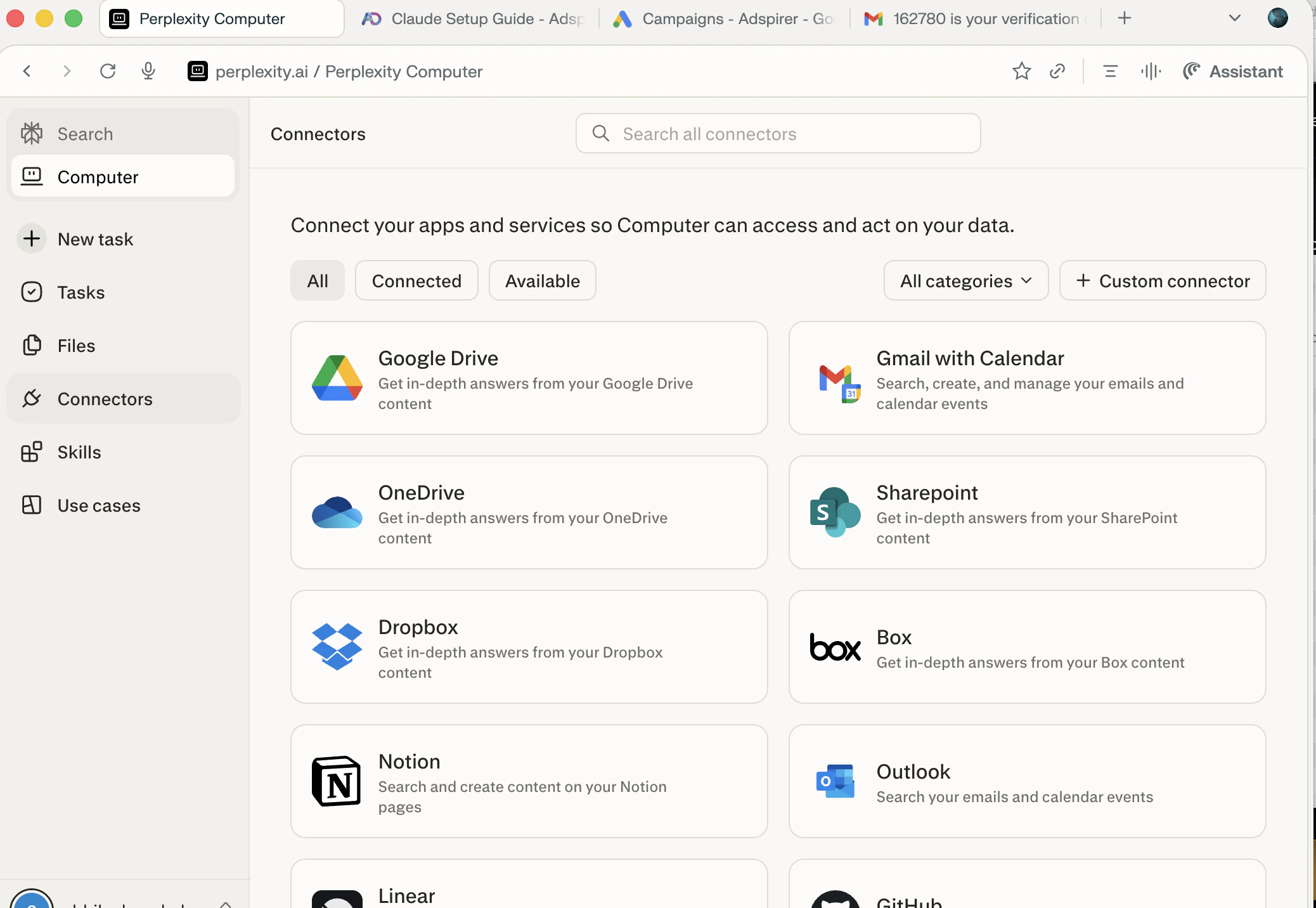
Connectors page — click + Custom connector to add Adspirer
Add Adspirer Connector
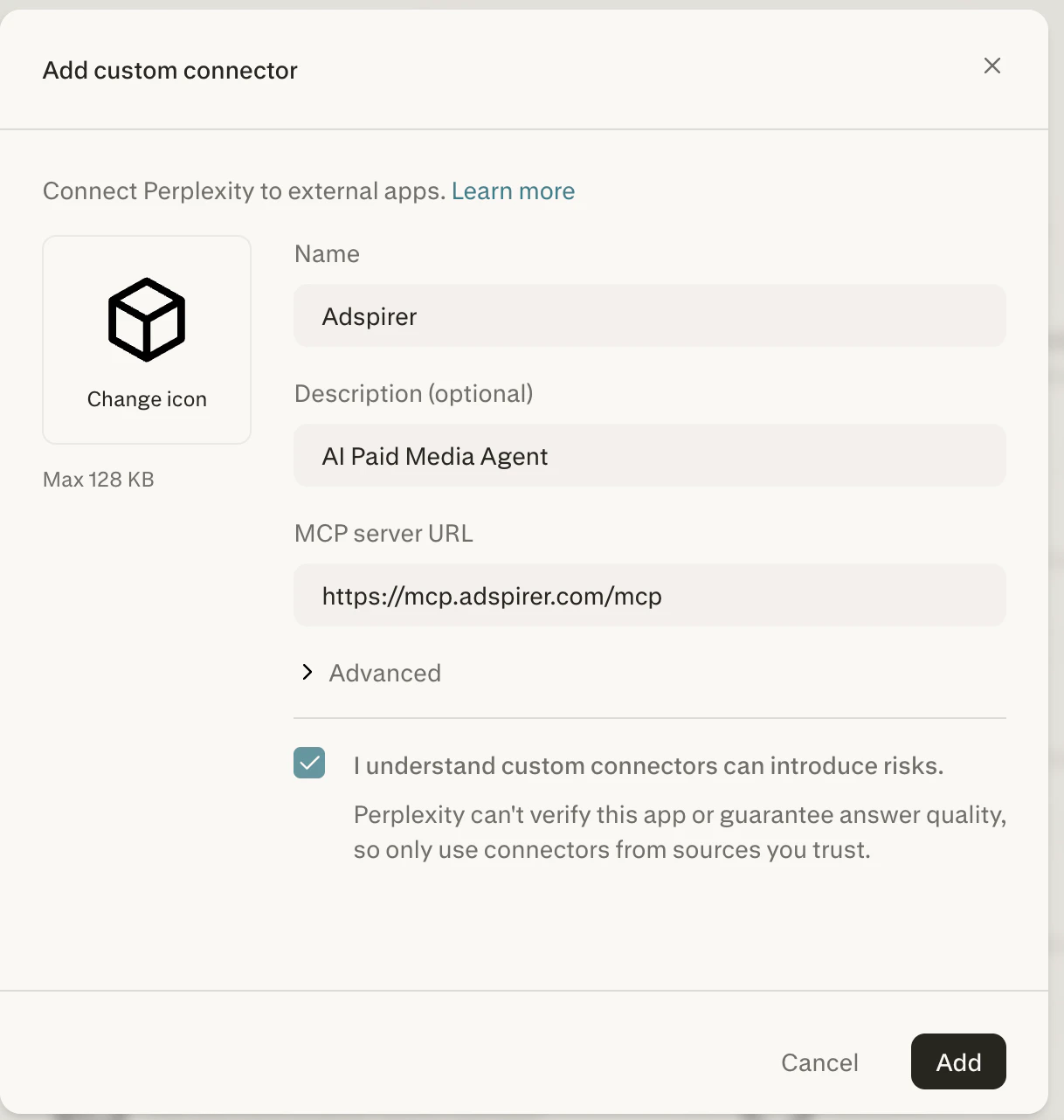
Fill in Adspirer's MCP server URL and click Add
Authorize Adspirer
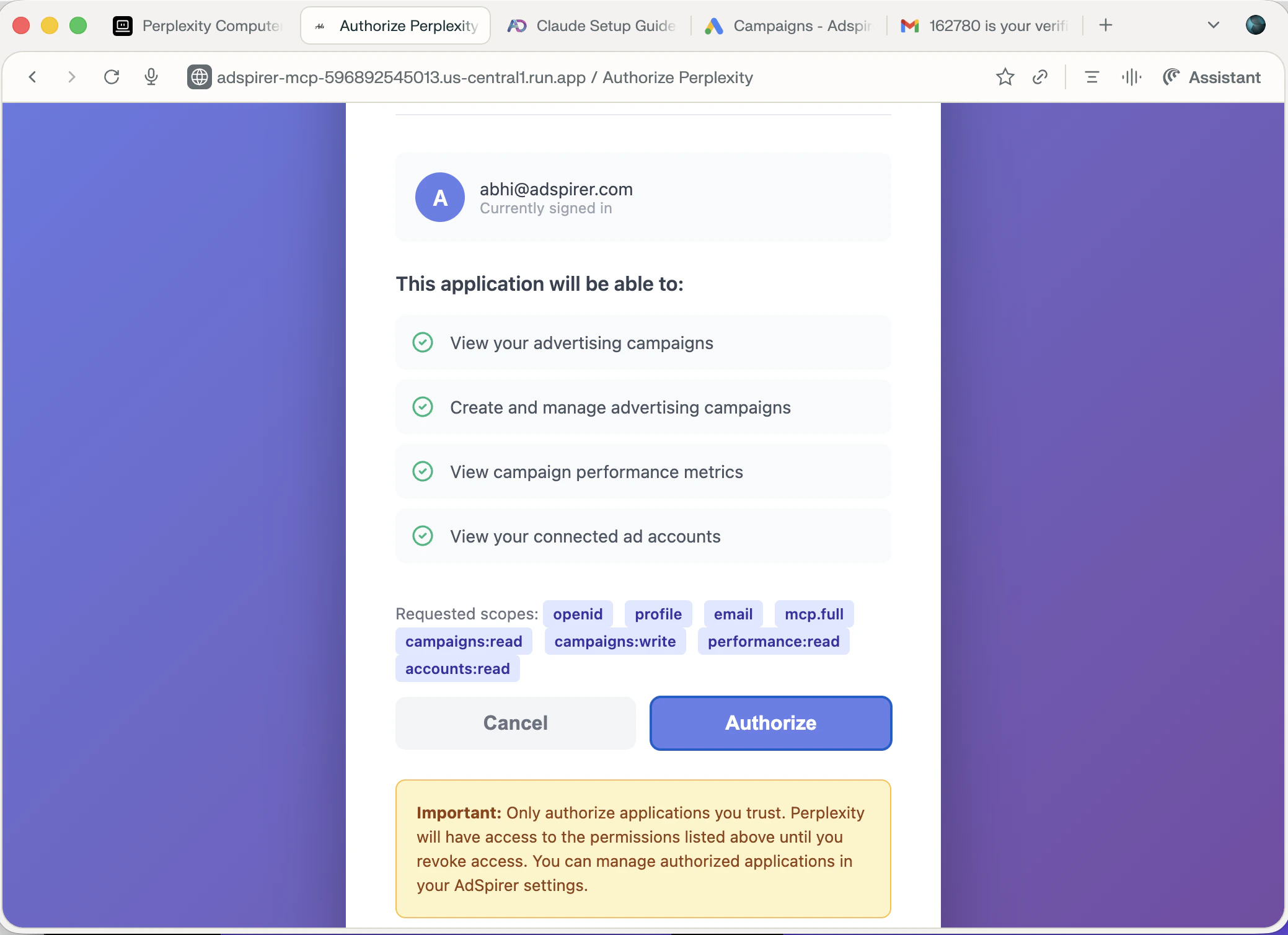
Authorize Adspirer to access your ad accounts
Verify Connection
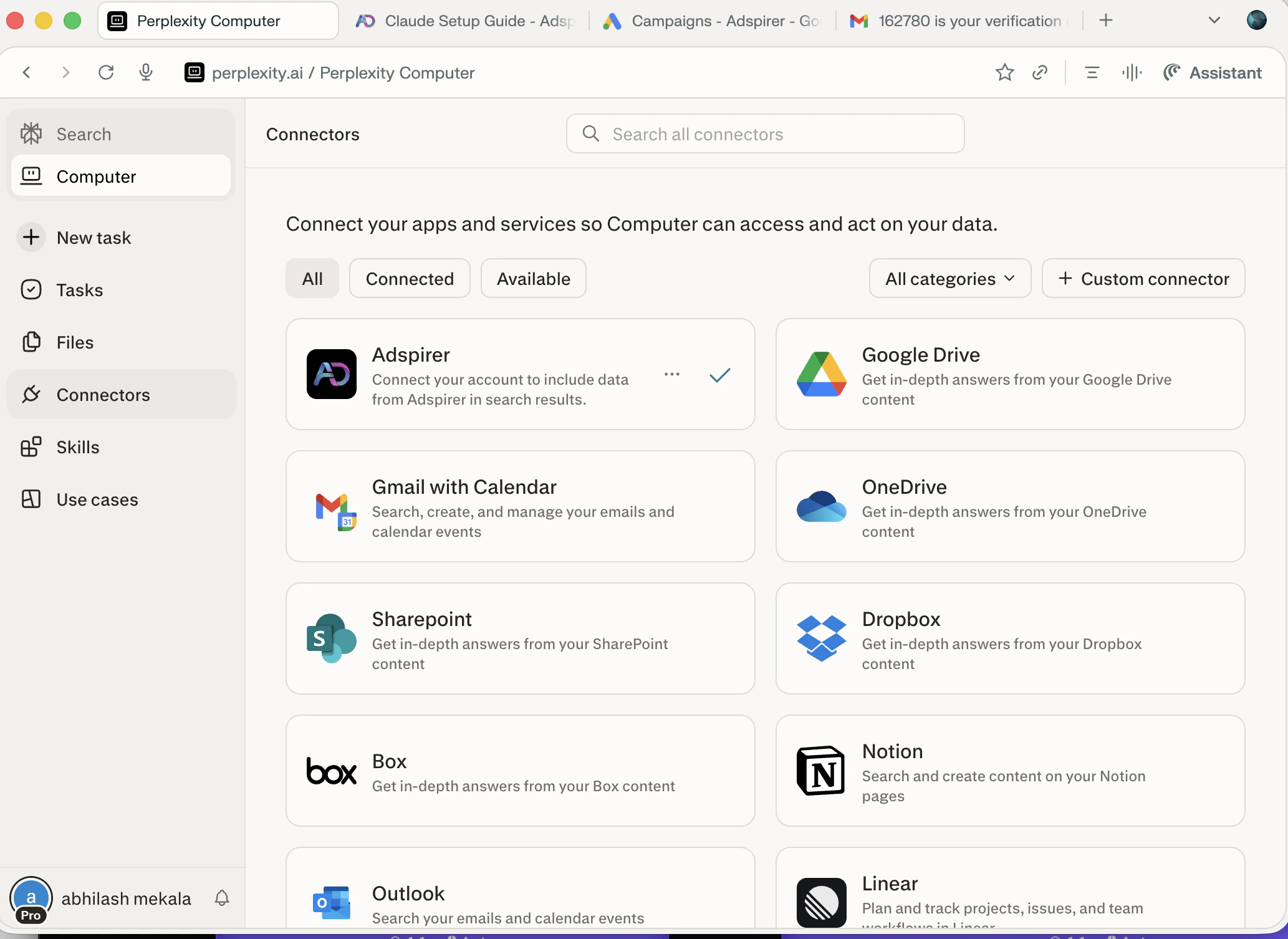
Adspirer connected successfully — green checkmark confirms active connection
Add the Adspirer Skill (Recommended)
- Download the SKILL.md file from GitHub:
Download SKILL.md from GitHub
adspirer-ads skill file.- In Perplexity Computer, click Skills in the left sidebar
- Click + Create skill in the top-right corner
- In the Upload skill dialog, drag the downloaded
SKILL.mdfile or click to upload it
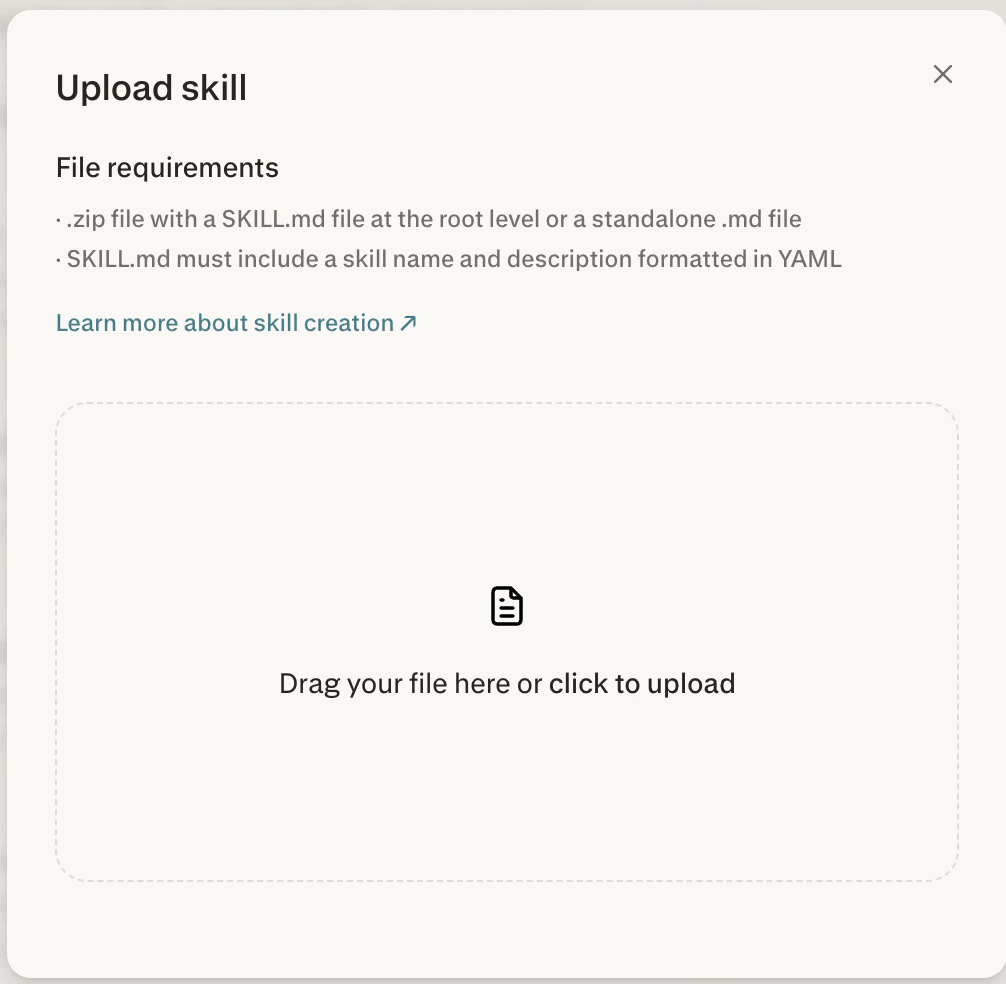
Upload the SKILL.md file — drag and drop or click to browse
- The skill appears as adspirer-ads in your Skills list. Perplexity applies it automatically when you ask about advertising.
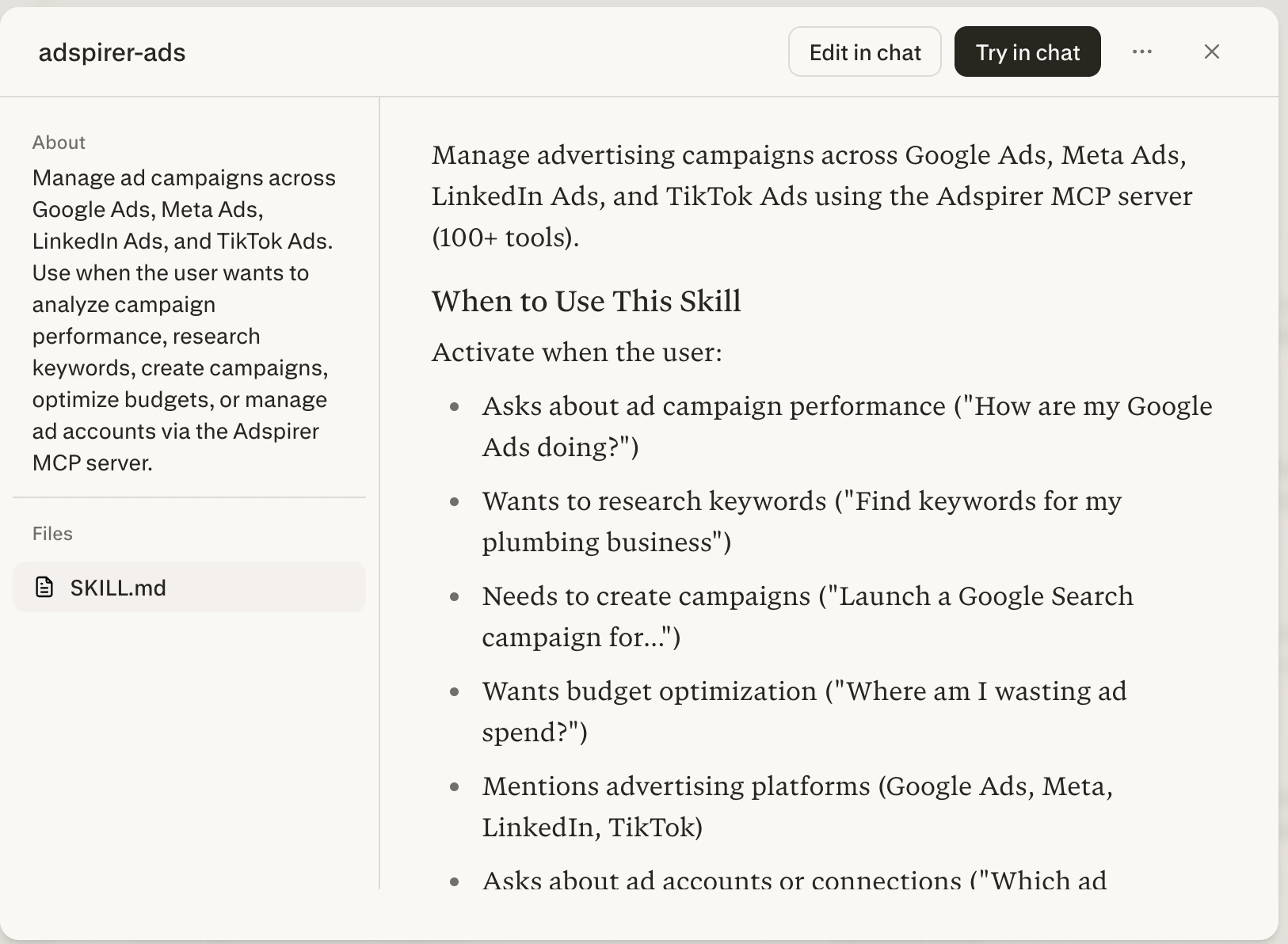
Adspirer skill installed — Perplexity applies it automatically when needed
Start Managing Ads
Try It Now
Sign up for Adspirer — free to start
MCP Server Configuration
Why Perplexity for Advertising
Perplexity combines real-time search with ad management — a unique combination:- Search-Augmented Research — Perplexity searches the web in real-time. Ask it to research competitors, analyze market trends, or find industry benchmarks before creating campaigns. No other MCP client does this natively.
- Perplexity Computer — An autonomous agent that can plan, execute, and iterate on multi-step advertising workflows. Create a full campaign from a single prompt.
- Multi-Model Orchestration — Computer routes subtasks to the best AI model for each job (writing ad copy, analyzing data, generating reports).
- 400+ App Integrations — Beyond Adspirer, connect Gmail, Slack, Notion, and more. Build end-to-end marketing workflows.
What You Can Do
400+ tools across 6 ad platforms:Example Prompts
Research + Campaign Creation
Perplexity searches the web for competitor insights, then uses Adspirer to create a campaign with real keyword data.
Cross-Platform Performance Audit
Multi-platform audit with prioritized action list and savings estimate.
Market Research + Campaign
Web research combined with keyword data for a new campaign.
Perplexity Computer: Autonomous Workflows
Perplexity Computer (available on Max and Enterprise plans) can execute complex, multi-step advertising workflows autonomously:FAQ
What is Perplexity Computer?
What is Perplexity Computer?
Which Perplexity plans support connectors?
Which Perplexity plans support connectors?
How is Perplexity different from ChatGPT or Claude for ads?
How is Perplexity different from ChatGPT or Claude for ads?
Can I use Adspirer with both Perplexity and other AI clients?
Can I use Adspirer with both Perplexity and other AI clients?
Does Perplexity support Adspirer skills?
Does Perplexity support Adspirer skills?
SKILL.md file via Computer → Skills → + Create skill. The adspirer-ads skill teaches Computer proven advertising workflows and is available in the ads-mcp GitHub repo. Perplexity applies skills automatically when relevant to your prompt.How much does this cost?
How much does this cost?
Why does the connector dialog say 'can introduce risks'?
Why does the connector dialog say 'can introduce risks'?
Related Documentation
- ChatGPT Setup — ChatGPT’s MCP connector
- Claude Setup — Claude’s native MCP integration
- Claude Code Setup — Terminal-based setup for developers
- Google Ads Integration — Full Google Ads tool reference
- Agent Skills Overview — Teach your AI the right workflows
- Pricing & Plans
- Prompt Engineering Playbook — A custom skill and prompt book generated from your own ad account; paste its agent instructions into your Space ($39 one-time)